beadclover

Photos in.
Bead patterns out.

Turn any photo or pixel art into a fuse-bead pattern, sized for your pegboard.
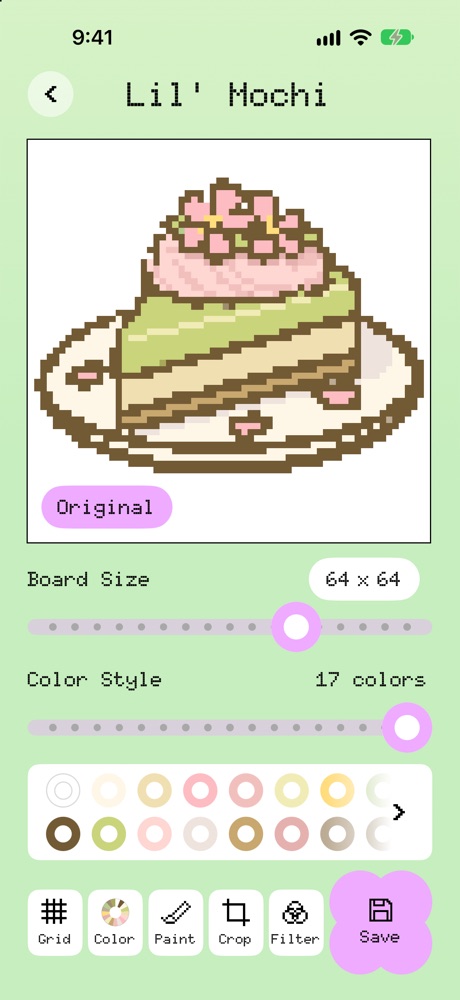
BeadClover showing a matcha cake photo turned into a 64 by 64 bead pattern with 17 colors

From photo to pegboard.

Three taps from a picture to a pattern you can actually build.
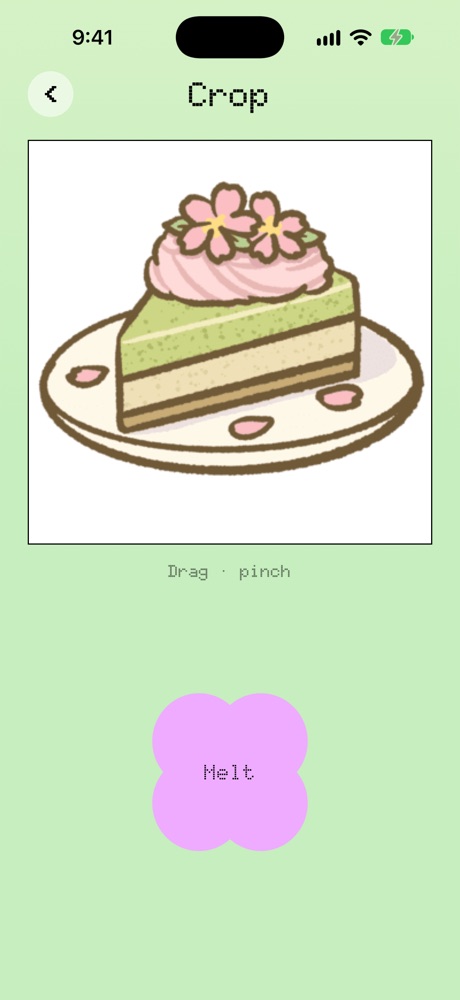
The Crop screen with a photo of a matcha cake
1

Pick a photo

From your library or the camera. Drag and pinch to frame just the part you want.

The melted pattern with Board Size and Color Style sliders
2

Melt it

It turns into beads. Slide the board size (10 to 150 beads across) and the number of colors until it looks right.
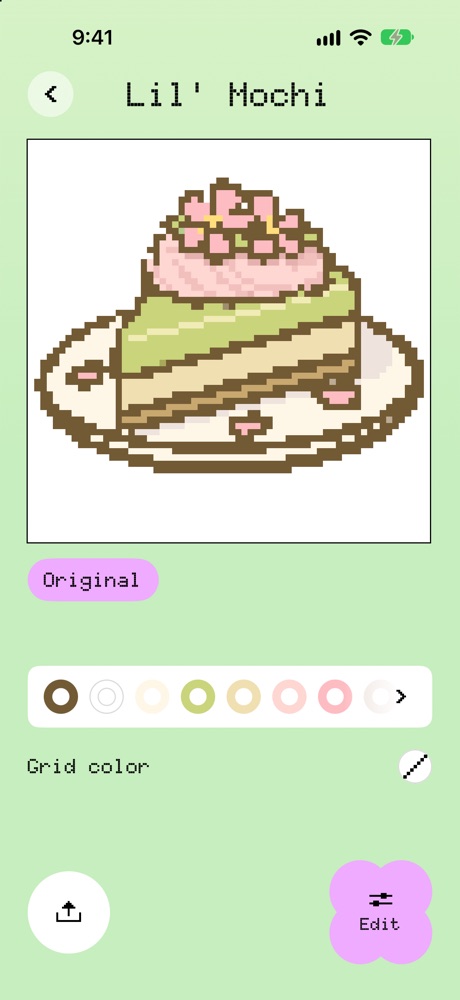
The saved pattern with its bead colors listed underneath
3

Make it

Tap a color to see where it goes while the whole picture stays in view, then mark it done.
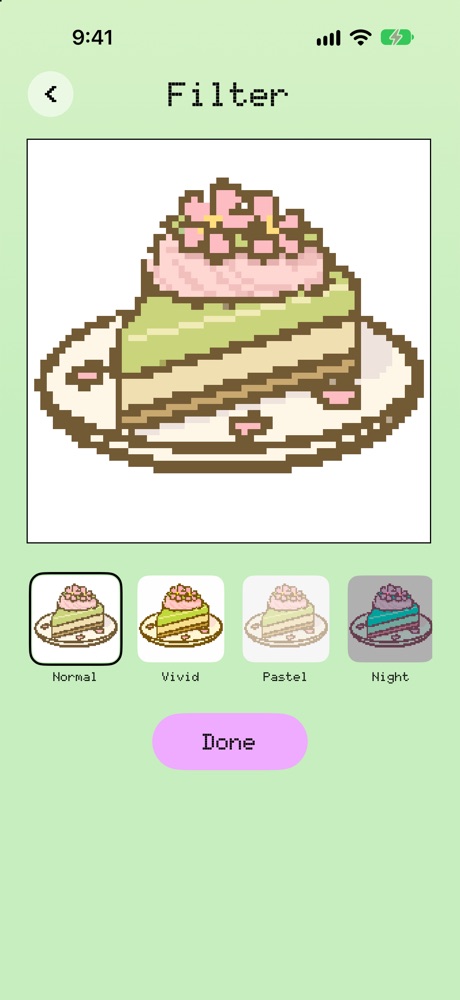
The Filter screen with Normal, Vivid, Pastel and Night previews
4

Paint, crop and filter

Fix a bead, trim the edges, or try a new filter.
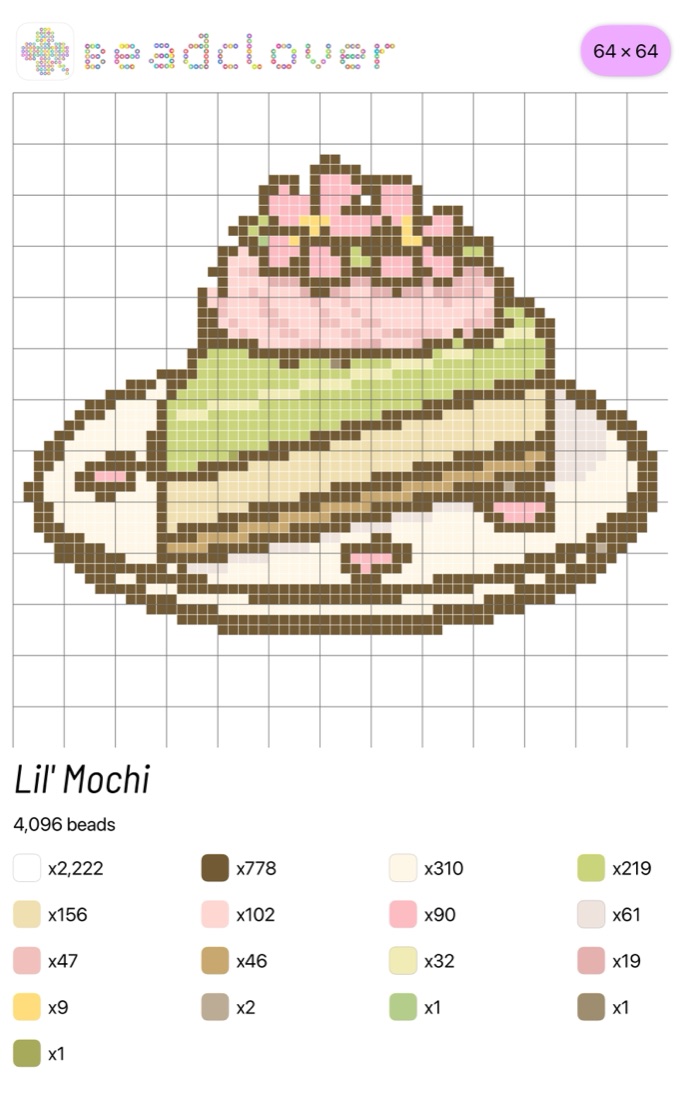
A printable BeadClover pattern sheet: the cake on a grid, with a count for each bead color
5

A sheet you can print

Export a printable sheet with a bead count for every color.

Smart pixelation

The little detailsEyes, highlights and fine outlines are kept, not blurred away.
Pixel art, 1:1Spotted automatically and copied exactly: one bead per pixel, at its real size.
Sized for your pegboardBoard sizes line up with whole pegboards.
PrivateRuns on your iPhone. Nothing is uploaded.

Make something cute.

Download on theApp Store